Triggered Messaging

Countdown Timers for Delivery Windows

How to Personalize Triggered Email Subject Lines & pre-headers

How to easily replicate your Cart Abandonment Campaign for Browse Abandonment

Push customers over your free delivery threshold with Cart Abandon email banners

Notify customers about products that have dropped in price

Increase urgency with targeted low stock notification

Back in Stock Messages: A step-by-step guide

Enhance Triggered Emails by surfacing discounts
Email Personalization
Countdown Timers for Delivery Windows

Get personal by adding customer names to Banners

How to use Merge Parameters

How to test like a Pro – Email Slot Merge Parameters

How To Add A Smart Banner To Your Email Signature

How to put Pinterest Pins in your Emails

How to Use Weather in your Emails and Web Pages

How to put Instagram Pictures in your Emails

How To Put Social Proof in Web and Emails

How to Put Coupons in your Emails
How to put an Animated Countdown Timer in Your Emails

How to put Custom Real-Time Content in your Emails
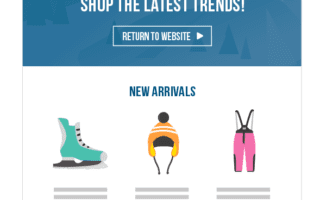
How to put Real-Time Product Recommendations in your Emails
How to Change Your Email Content – Even After It’s Sent!

How to put Real-Time Web Content in Your Emails
Choosing The Exact Items You Want To Include In Product Recommendations
Web Personalization
Countdown Timers for Delivery Windows
Recommend low value product for easy carting

Getting started with Experiences

Cart recommendations that help visitors exceed your free delivery threshold
Dynamic messaging to push customers over your free delivery threshold
Get personal by adding customer names to Banners

Enhance your category pages with personalized content
How to Put Hourly Offers on your Website

Personalize to your PPC traffic based on inbound campaign

Re-engage customers who are leaving the site
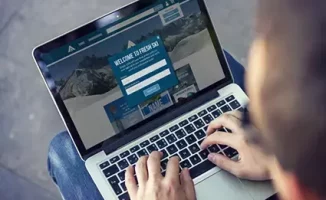
How to Capture email address in a Popover & upload to your ESP
How to use Merge Parameters
How to Use Weather in your Emails and Web Pages
How To Put Social Proof in Web and Emails